
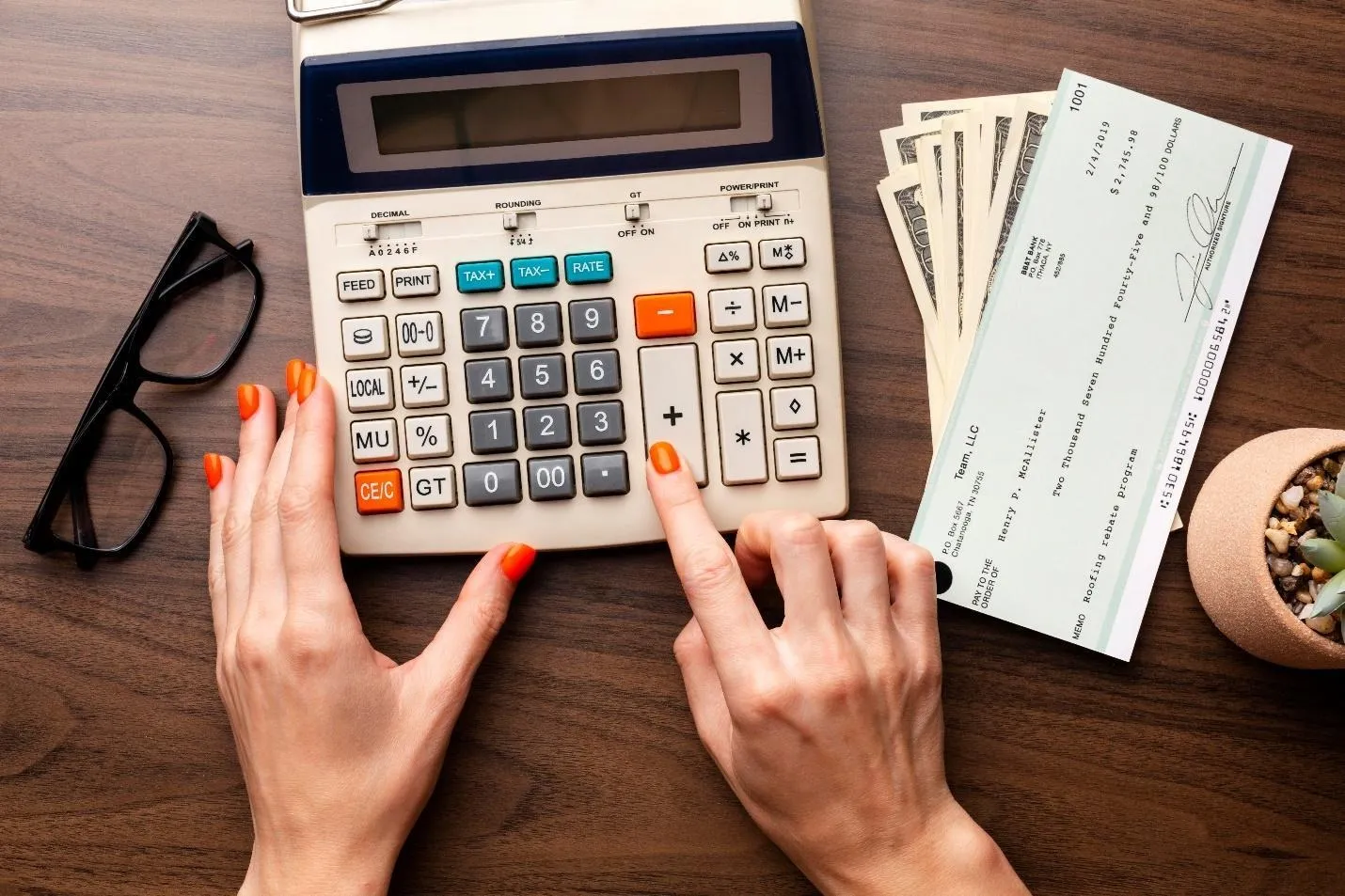
QuickBooks checks, or printable QuickBooks checks, are specialized check paper designed to work with QuickBooks software on a laser or inkjet printer. Instead of writing checks by hand, you enter the check details in the software and send it to your printer. The software automatically prints the MICR routing numbers, payee, and amount onto the page, producing a valid, legal check for any business transaction. These checks enable the business to pay vendors and manage payroll while automatically updating your accounting ledgers and financial reports.
Are you new to printable QuickBooks checks and want to understand why you need them? You are just in luck today. This informative accounting guide covers everything you need to know about QuickBooks checks.
1. Voucher Checks
Voucher checks are among the most popular choices for printable QuickBooks checks. As the name implies, voucher checks place a single check at the top of the 8.5″ x 11″ page, with the bottom portion featuring two perforated stubs. These stub areas provide ample space to print payment and deduction details exclusively. However, this can be kept for the employer’s records and given to the employee or vendor.
2. Standard Checks
Standard checks are also one of the most effective options for businesses seeking printable QuickBooks checks. Standard checks enable businesses to issue multiple payments at once without any hassles. Letter-sized printing paper is used for standard checks, which are divided into three parts, including a smaller perforated stub for transaction details. Compared with voucher checks, they use less paper overall.
3. Wallet Checks
As the name implies, wallet checks are designed to fit your wallet so you can carry them anywhere effortlessly. They are portable, smaller in size, and quite similar to personal checks; they can be printed as three checks per page with a stub strip on the side. They are usually smaller than standard business checks and fit easily into a standard checkbook binder.
4. Types of Paper Used In Printable QuickBooks Checks
There are typically two types of paper used for printable checkbooks on the market: pre-printed and blank check stock. With pre-printed checks, all banking information, such as bank routing numbers and account details, is printed on the checks, usually at the bottom.
When using these checks, you need to add the payee information, date, and amount when printing. On the other hand, blank check stock is plain, secure paper that includes built-in security features. When printing, the MICR routing line can be printed on the fly using specialized apps.
5. Why Do You Need Them?
The printable QuickBooks checks are an essential part of every business these days because they enable you to automate your accounting system by digitally printing checks rather than using many handwritten check facilities.
They sync your payables and payroll with your digital accounting records, ensuring perfect alignment, centralized expense tracking, and error-free financial reporting. In addition, QuickBooks checks offer robust security features, including microprinting, watermarks, and tamper-resistant backgrounds, to prevent fraud and unauthorized use.